Convert Word to PDF online (redirect)
This guide has moved
The full walkthrough for converting Word (DOC or DOCX) to PDF online lives at How to convert Word to PDF online without Microsoft Office. That page covers:
- When you actually need PDF over Word.
- How to convert a Word file to PDF in Seedr in three clicks.
- Formatting, fonts, and page-break gotchas.
- How to chain conversion with Seedr's other tools (editor, sharing, mounted drive).
The flow is the same: upload your Word file to Seedr, right-click, pick Convert, choose PDF. The converted file lands back in your cloud folder.
Head over to the canonical guide for the full details.
Was this article helpful?
Related Articles
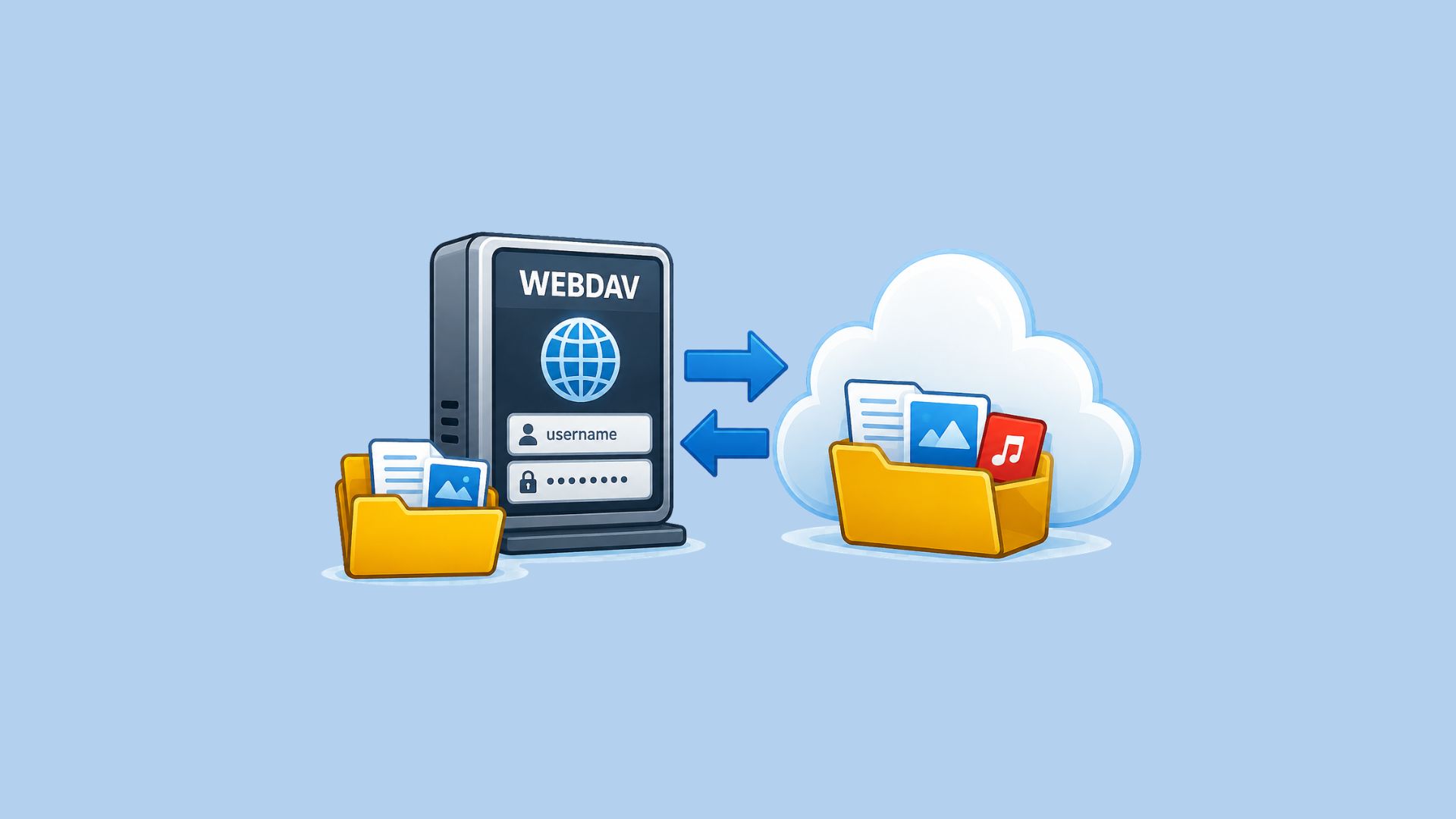
Mount your NAS in Seedr with the Seedr Connector
Install the Seedr Connector on your NAS and mount chosen folders in Seedr over one outgoing connection. No port forwarding, no public IP.

Which protocol should your NAS use with Seedr?
Compare FTP, FTPS, SFTP and WebDAV for NAS cloud storage: speed, security, resumable transfers and firewall setup, with the pick for each use case.
Mount Seedr on your NAS (WebDAV, SFTP, FTPS)
Sync, back up or mount Seedr on Synology, QNAP, TrueNAS SCALE or Unraid over WebDAV, SFTP or FTPS. Endpoints, app password and step-by-step setup.